All subscription management is handled through your Stripe account portal. You can view invoices, update your payment method, or cancel at any time without contacting us.
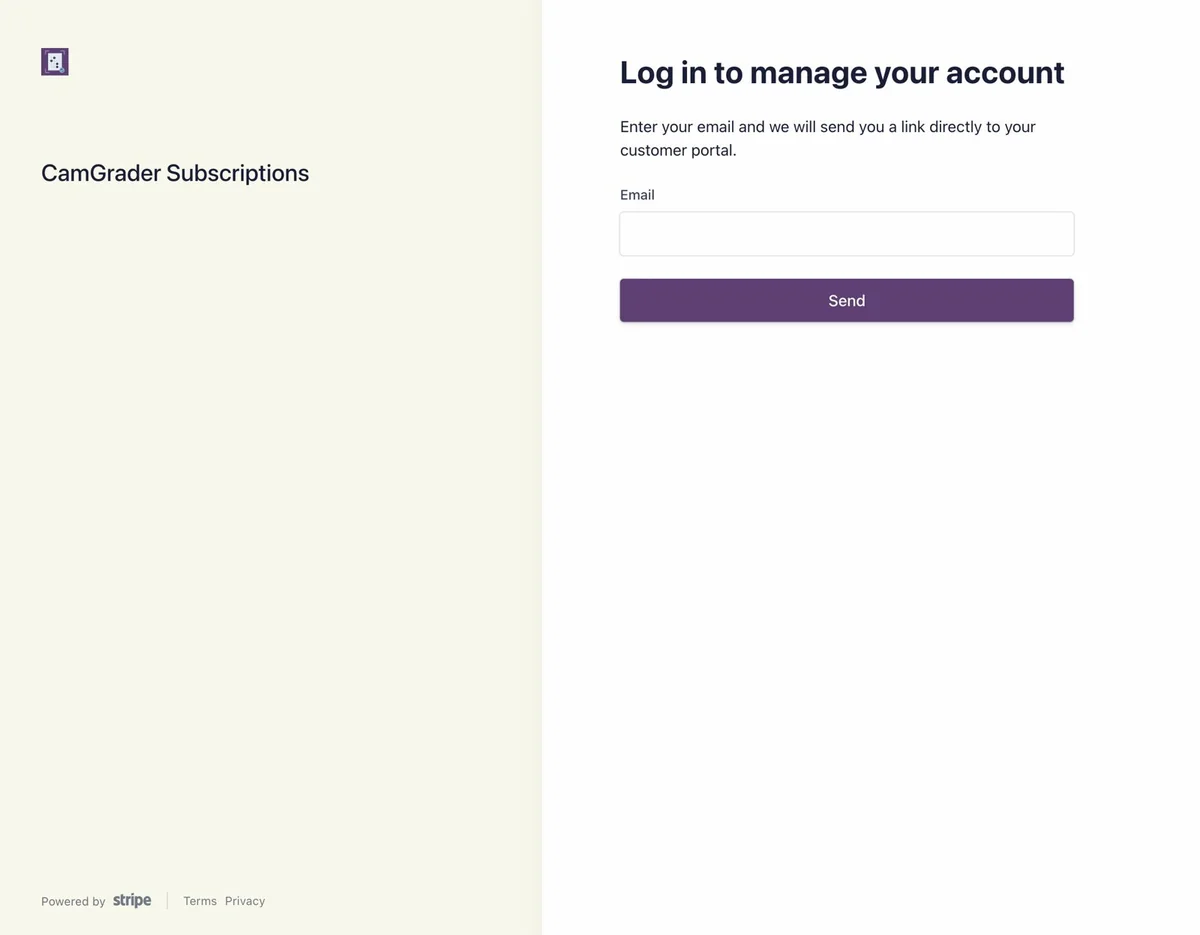
Go to your account management page or tap the "Manage Your Account" link in the footer of any page on camgrader.com. Enter the email address you subscribed with and tap Send.
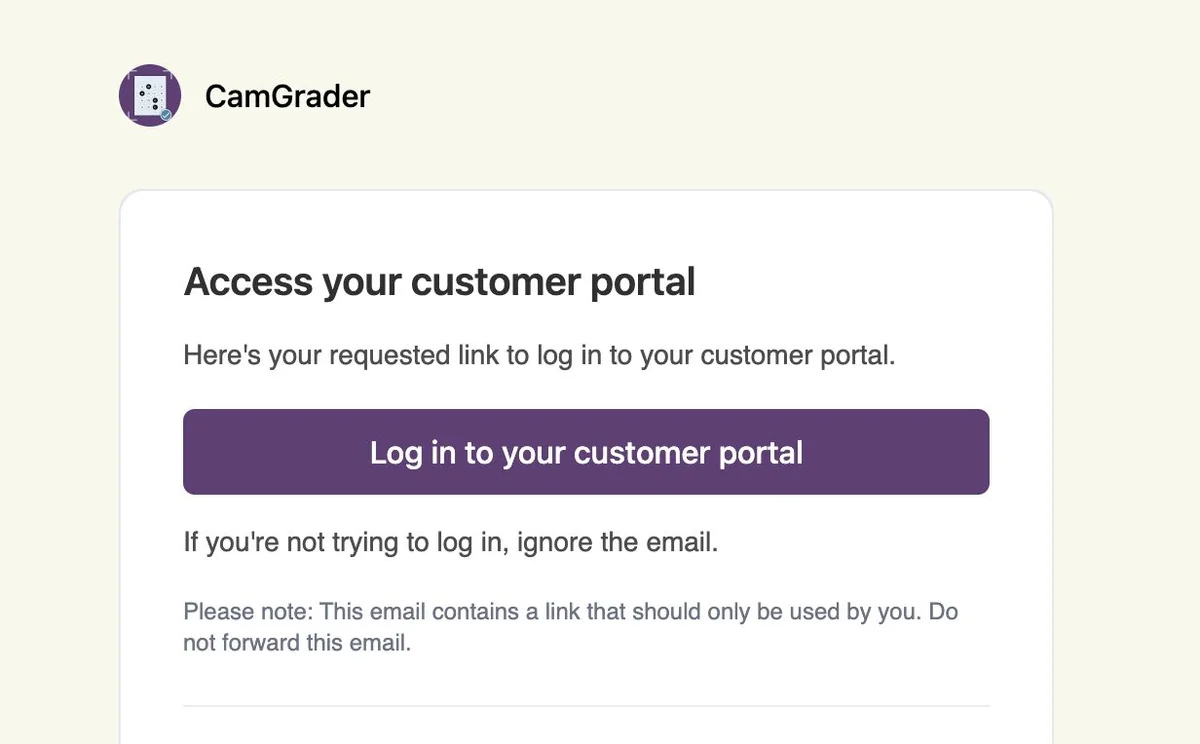
Stripe emails you a secure link to your customer portal - no password needed. Open the email and tap Log in to your customer portal.
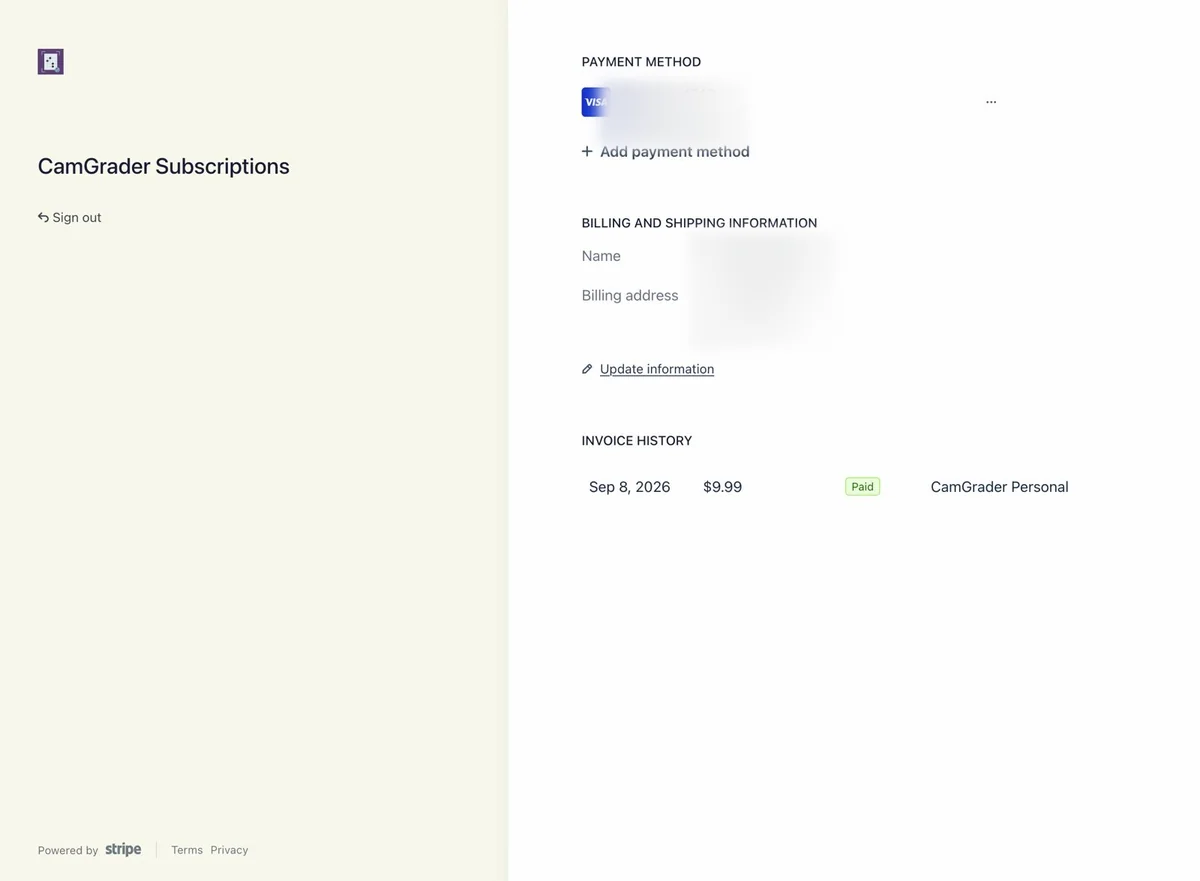
Once inside, you can see your payment method, billing name and address, and invoice history in one place. Tap Update information to change your card or billing details, or use the "..." menu next to your card to update your payment method directly.
To cancel, use the subscription options in the portal and confirm. Your subscription stays active through the end of your current billing period, and you will not be charged again after that. We do not offer refunds for unused time.
You'll get a confirmation email right away letting you know when your access ends, and a second email once your subscription actually ends on that date. Your account in the app reverts to Guest Mode on the next app launch after that.
If you run into any issues with your subscription, reach out and we'll help.
Contact us